What Are Passkeys, and Why Is Everything Asking Me to Set One Up?

Alex Nocenti

What Are Passkeys, and Why Is Everything Suddenly Asking Me to Set One Up?
You open your browser, log into your email, and suddenly you're greeted with a message:
"Would you like to create a passkey?"
You dismiss it. Then Microsoft asks. Then Google. Then your banking app.
So, what exactly is a passkey, why does everyone suddenly want you to have one, and what was wrong with your password?
The good news is that passkeys aren't another complicated security requirement. They're actually designed to make signing in easier and significantly more secure.
What Exactly Is a Passkey?
A passkey is a newer way to sign into websites and applications without typing a traditional password.
Instead, you authenticate using something familiar, like:
- Your fingerprint
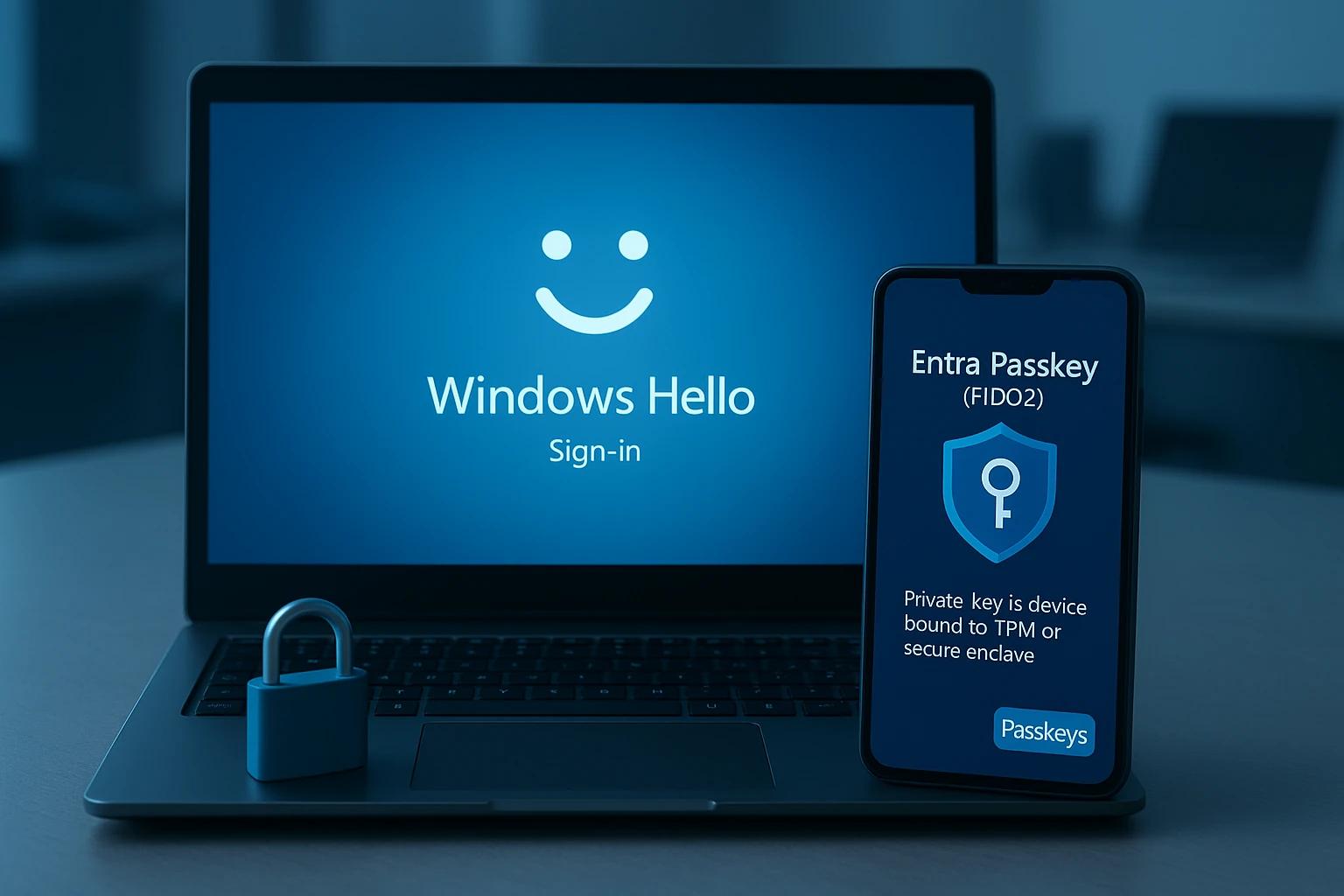
- Facial recognition (Face ID or Windows Hello)
- Your computer's PIN
- A compatible security key
Think about how you unlock your smartphone. A passkey lets you use that same process to securely access websites and applications.
But unlike a password, a passkey isn't a secret that you type into a website.
And that's what makes it so much more secure.
How Do Passkeys Work?
Passkeys use a technology called public-key cryptography.
When you create a passkey, two mathematically connected keys are generated. A public key is registered with the website, while a private key remains securely stored on your device or in a compatible password manager.
When you sign in, your device uses that private key to prove it's really you, typically after verifying your fingerprint, face, or PIN.
Your private key never needs to leave your device or passkey provider.
Even better, passkeys are tied to the legitimate website they were created for.
If a hacker creates a convincing fake Microsoft login page, your Microsoft passkey won't authenticate to that fraudulent website.
That's a major improvement over passwords.
Why Is Everyone Pushing Passkeys?
Because passwords have become one of the internet's biggest security weaknesses.
Cybercriminals routinely exploit passwords through phishing emails, stolen credentials, password reuse, and automated login attacks.
Even traditional multi-factor authentication (MFA) isn't foolproof. Sophisticated phishing attacks can sometimes capture both passwords and one-time verification codes.
Passkeys eliminate many of these vulnerabilities by removing the traditional password from the login process.
That's why companies like Microsoft, Google, and Apple are encouraging their adoption.
Rather than making passwords more complicated, we're finally moving toward eliminating them.
What Happens If I Lose My Phone or Replace My Computer?
This is probably the biggest concern people have about passkeys.
Fortunately, many passkeys can securely synchronize through services like Apple's iCloud Keychain, Google Password Manager, and compatible password managers.
That means replacing your phone doesn't necessarily mean losing access to your accounts.
Other passkeys, especially those used in business environments, may be intentionally tied to a specific device.
The important thing is understanding where your passkeys are stored and how you'll recover them if a device is lost or replaced.
Should I Set Up Passkeys on My Work Computer?
Generally, yes, but business accounts deserve a little more consideration.
For personal accounts, storing passkeys on your smartphone or in a trusted password manager is often perfectly reasonable.
For business accounts, your organization should have policies governing where credentials are stored and how they're managed.
For example, your company might prefer employees to authenticate using Windows Hello, Microsoft Authenticator, or company-managed security keys rather than personal password managers.
Secure authentication is important, but proper management of that authentication is equally important.
If you're unsure, check with your IT department before setting up passkeys for work-related applications.
Are Passkeys Better Than Passwords and MFA?
In most cases, absolutely.
Passkeys offer strong protection against phishing, eliminate the risks associated with reused passwords, and can provide multi-factor authentication through a single, convenient sign-in.
Instead of entering a password and then retrieving a six-digit code from your phone, you might simply use your fingerprint.
However, passkeys don't eliminate every cybersecurity risk. Compromised devices, stolen browser sessions, and insecure account recovery methods can still expose accounts.
And if a website still allows you to sign in with your old password, that password may remain a security weakness.
So, Should You Create a Passkey?
For personal accounts, generally yes. Passkeys are easier to use and typically much more secure than traditional passwords.
For work accounts, follow your organization's IT security policies.
There may be some growing pains as websites and devices transition to this new technology, but the long-term benefits are substantial.
Cybersecurity Should Be Easier, Not Harder
For years, improving cybersecurity meant adding complexity. Longer passwords, more authentication prompts, and more rules for employees to remember.
Passkeys represent a welcome change.
Instead of expecting people to recognize every phishing attempt or remember dozens of complicated passwords, we're implementing technology that makes entire categories of cyberattacks significantly more difficult.
And that's exactly how cybersecurity should evolve.
Is Your Business Keeping Up?
At IT's UpTime, we help businesses throughout Milwaukee and Southeast Wisconsin implement practical cybersecurity solutions that protect their systems without making technology harder to use.
From Microsoft 365 security and multi-factor authentication to endpoint protection and proactive IT management, we focus on keeping businesses secure and productive.
Not sure whether your organization's security is keeping up?
Schedule Your Complimentary IT Health Assessment and let IT's UpTime help identify potential weaknesses before they become problems.