.svg)

“I Restart Every Night”… So Why Does This Laptop Have a 60‑Day Uptime?

Alex Nocenti

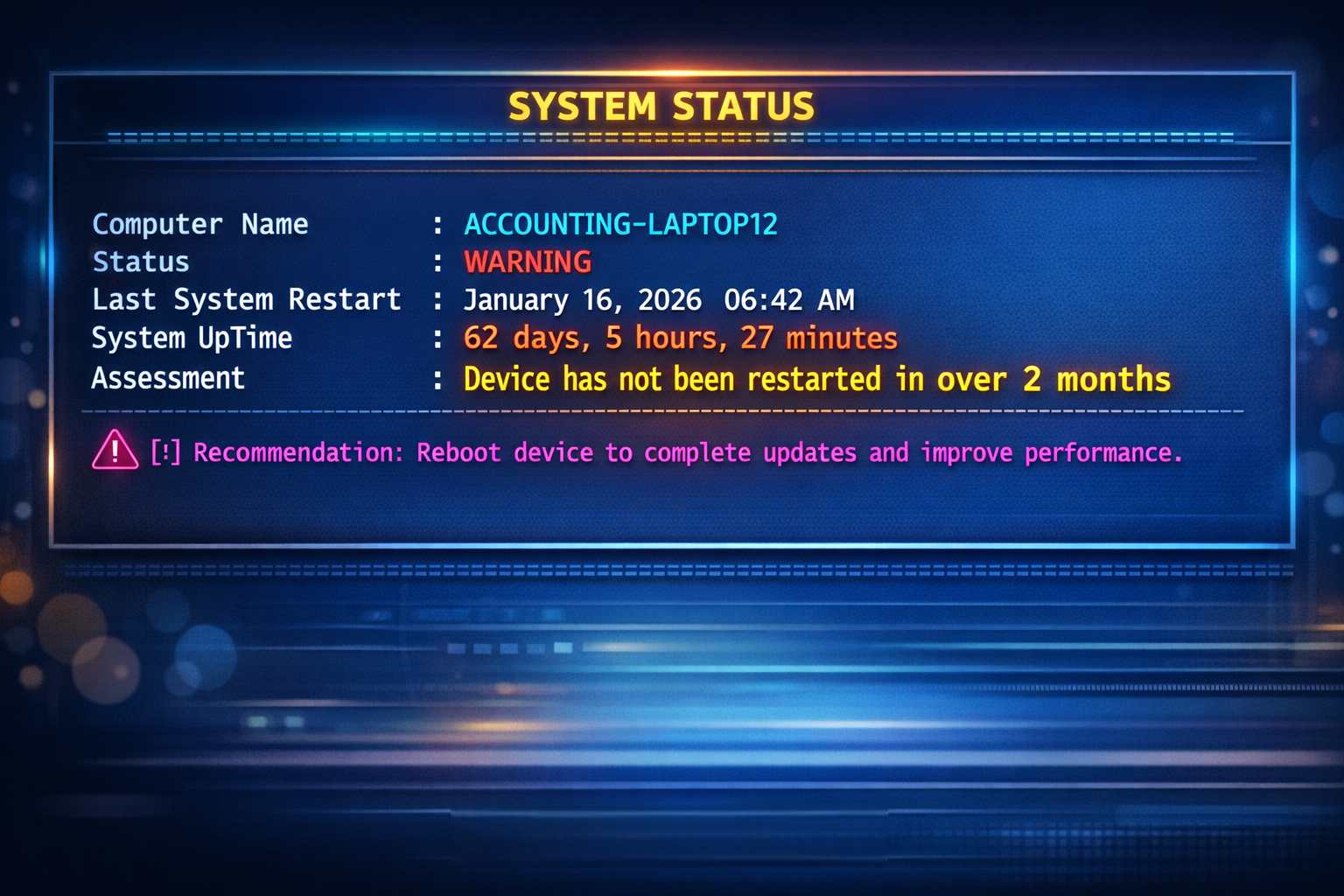
Every IT professional has lived some version of this moment:
A user opens a support ticket because their laptop is slow.
You check uptime.
60 days.
You ask, “Have you been restarting your computer?”
They respond confidently:
“Yep. Every night when I go home.”
At first glance, it feels like a contradiction. Someone must be wrong… right?
But here’s the thing: often, no one is wrong.
The Mystery of the 60‑Day Uptime
Windows laptops (especially Windows 10 and Windows 11) ship with a feature called Fast Startup (sometimes called Fast Boot) enabled by default.
Fast Startup is designed to make computers boot faster, but it does so by not fully shutting down the operating system when a user clicks Shut down.
Instead:
- Windows closes user sessions
- The system kernel is hibernated
- The next “startup” is actually a resume, not a full reboot
From the user’s perspective, the computer:
- Powers off
- Is closed and put in a bag
- Boots quickly the next morning
From Windows’ perspective:
- The system has not actually restarted
- Uptime keeps climbing… and climbing… and climbing
That’s how you end up with a laptop showing 30, 45, or 60+ days of uptime even though the user honestly shuts it down every night.
Restart vs. Shut Down: A Subtle but Critical Difference
Here’s the key technical distinction:
- Start → Restart
- Always performs a full reboot
- Clears memory, drivers, and kernel state
- Resets uptime properly
- Start → Shut down (with Fast Startup enabled)
- Performs a hybrid shutdown
- Kernel state is preserved
- Uptime does not reset
So when a user says, “I shut it down every night,” they’re telling the truth, they just weren’t taught that Restart and Shut Down are no longer the same thing.
Why This Matters More Than You Think
Long uptimes aren’t just a trivia detail. They can lead to:
- Memory leaks
- Driver instability
- Slow performance
- Failed updates
- “Random” issues that mysteriously resolve after a restart
When support teams jump straight to blame “The user must be lying”, we miss the real opportunity:
- Educating
- Building trust
- Fixing the root cause
Believe Your Users (Seriously)
This situation is a great reminder of an important principle in IT support:
Most users are not dishonest, they just may be operating with incomplete information.
When someone says they restart every night, what they usually mean is:
- “I do the responsible thing I was taught to do”
- “I don’t just close the lid and walk away”
- “I’m trying to follow best practices”
And they are.
It’s our job as IT professionals to bridge the gap between user intent and system behavior, not to assume bad faith.
A Better Support Conversation
Instead of:
“Your uptime says you haven’t restarted in two months.”
Try:
“This is a little counterintuitive, but Windows doesn’t fully restart when you shut it down, let me show you why.”
That small shift:
- Preserves dignity
- Builds credibility
- Turns frustration into collaboration
Suddenly, IT isn’t “catching” someone doing something wrong, it’s teaching them something useful.
The Bigger Lesson: Mutual Honesty Builds Better Support
Great IT support isn’t just about technical accuracy.
It’s about understanding the person in front of the computer, and the job they're trying to do. It's about mutual honesty and good intent.
- Assume users are telling the truth
- Explain the why, not just the what
- Treat every interaction as a chance to correct, but as a chance to help, and a chance to teach.
When users feel respected, they:
- Follow guidance more closely
- Reach out sooner when something feels off
- Trust IT recommendations instead of resisting them
And when IT trusts users?
- Problems get solved faster
- Conversations get easier
- Everyone wins
Final Thought
The next time you see a laptop with a 60‑day uptime and a user who “restarts every night,” remember:
They’re probably right.
Windows is just being clever.
And the best fix might not be a command or a setting,
it might be a better conversation.